

 English (UK)
 Türkçe
 Deutsch
 Français
 Español

Start with a link.
Paste an HTTP or HTTPS link, choose a destination, and select Add download. For supported media links, check available quality options first.
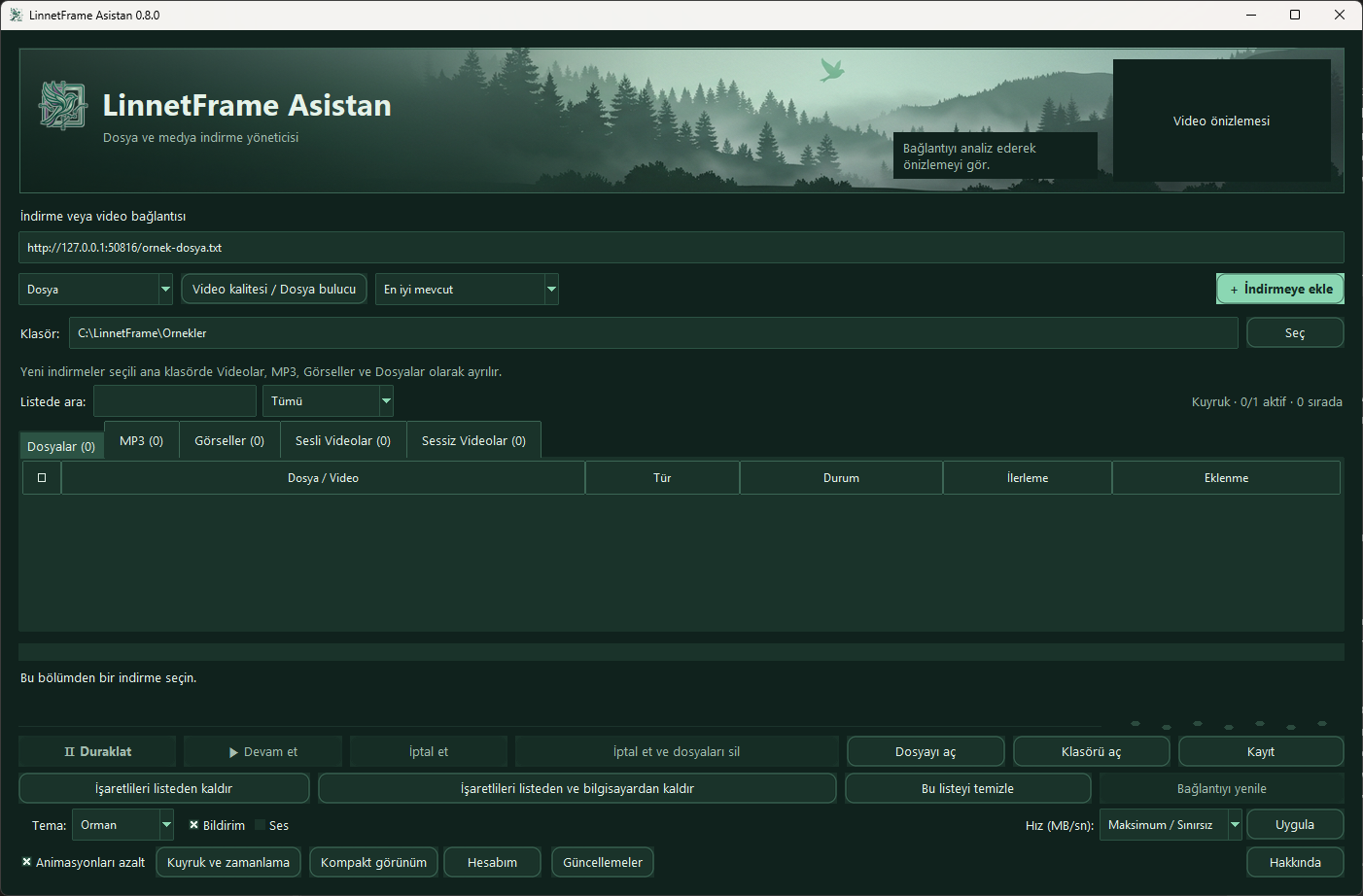


LinnetFrame Assistant · Windows
Download, organize, and track files and supported media on Windows.
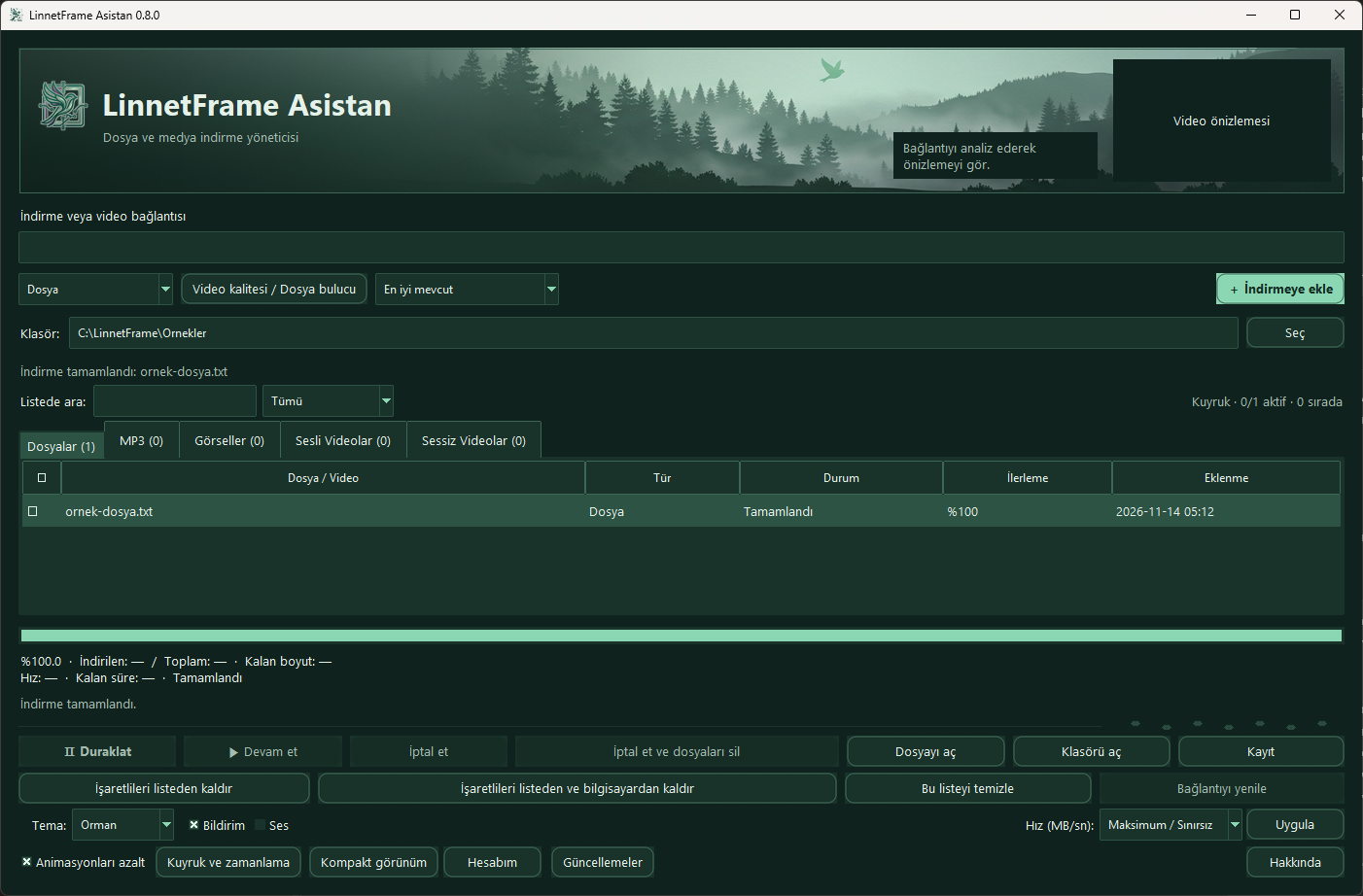
Paste an HTTP or HTTPS link, choose a destination, and select Add download. For supported media links, check available quality options first.
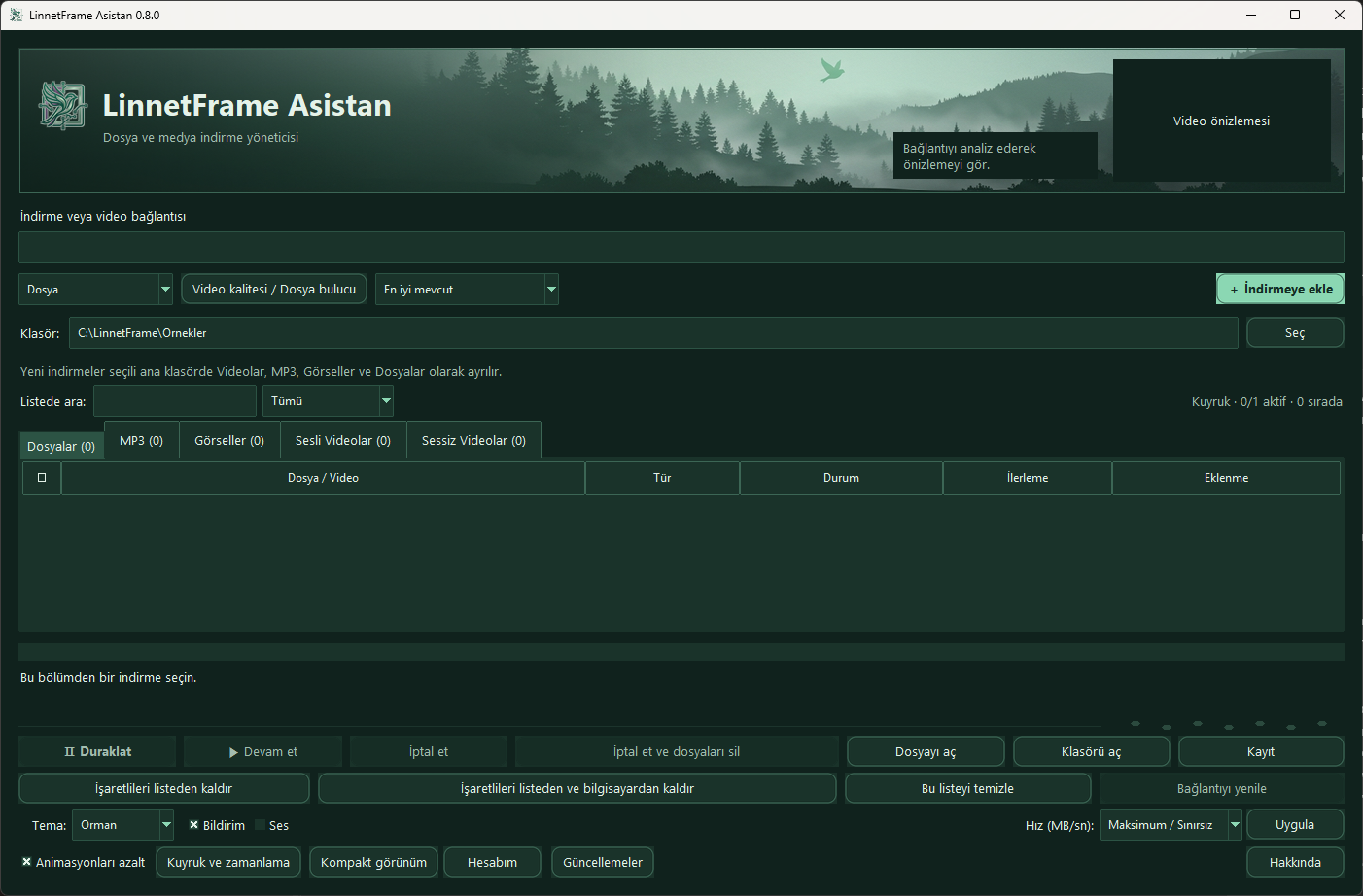
Pause or resume supported downloads. Files, MP3s, images, and videos with or without audio appear in separate tabs. Check status and progress in the same window.
Choose a theme to see the real Windows interface.
64-bit Windows 10 and 11. The ZIP includes the installer, a Turkish-language guide, and screenshots of all four themes.
%LOCALAPPDATA%\Programs\LinnetFrameThe default path is the tested location. Program Files and Program Files (x86) may require additional file permissions.
Set up the extension · The Chrome and Edge extension is optional. Download it separately below.
This package is installed manually and requires Developer mode.
chrome://extensions/Edge edge://extensions/The extension updates manually. When a new release is available or a transfer fails, extract the latest ZIP to the same folder. Select Reload in Chrome or Edge, then check the app connection again.
Supported options depend on the source. Download content you have permission to save.
DOWNLOADS & UPDATES
A planned hub for software downloads, product files, update packages, and release information.
Download areas for Windows and macOS will be added when the applications are ready.
Future release cards will show version, operating system, file type, and release date.
Each update will explain changes, fixes, known issues, and compatibility.
Documentation, setup guides, and supporting files will be organized by product.
Secure customer access and update delivery are planned features. No public registration or authentication system is enabled.